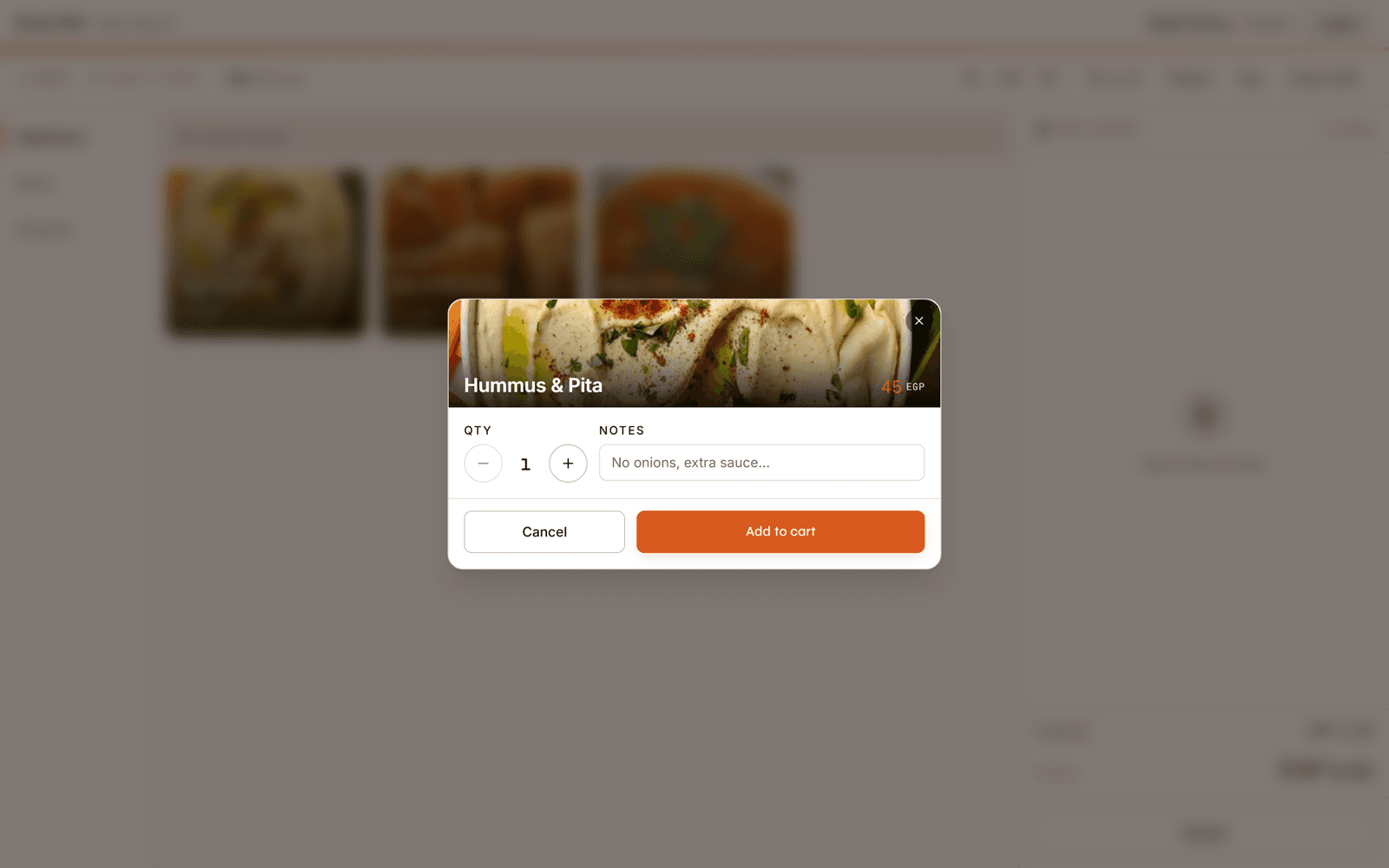
Take every order in one place
Ring up dine-in, takeaway and delivery from one screen. Split bills, merge tables and keep every channel on the same live orders board.

Restaurant POS system for Egypt
Plato connects the cashier, kitchen, inventory and accounts in Arabic and English—and the POS keeps selling when the internet drops.
Built around your restaurant
Tell us your name, restaurant and mobile number. We will prepare the right walkthrough—no long form.
From order to outcome
The cashier should not create more admin. In Plato, the same order keeps service, stock and the books aligned.
Ring up dine-in, takeaway and delivery from one screen. Split bills, merge tables and keep every channel on the same live orders board.
Items reach the right preparation station instantly, with elapsed-time visibility that helps the team catch delays before guests do.
Recipes deduct ingredients as orders close, so stock, waste, food cost and dish margin stay tied to what actually sold.
Cash drawers, card settlements, revenue and accounting entries come from the same transactions—not separate spreadsheets.
What is Plato POS?
Plato is an offline-first restaurant POS system for Egypt. It records every order once, sends it to the right kitchen station, updates stock and food cost, reconciles payments and gives owners a live view of sales and profit across every branch.
Orders are saved on the device and will sync when the connection returns.
Built for a real service
The POS keeps working when the connection goes down, so the cashier keeps taking orders. Those orders sync to the rest of Plato automatically when the internet returns.
Connected by design
A typical standalone POS records the sale. Plato carries that sale through service, operations and finance.
| Capability | Typical standalone POS | Plato |
|---|---|---|
| Orders | Records transactions | Connects dine-in, takeaway and delivery |
| Kitchen | Printer handoff | Live tickets, stations and preparation timers |
| Inventory | Separate counts | Recipes, stock and food cost move with sales |
| Finance | End-of-day sales report | Cash, settlements and double-entry accounts |
| Owner view | What sold | What changed, why it changed and what to do next |
Made for Egyptian operators
Manage tables, courses, split bills, waiter orders and kitchen timing without losing the guest experience between screens.
Take orders fast, keep the line visible and run pickup, delivery and counter service from the same menu and stock.
Standardise menus and permissions while owners compare sales, cost and profit across locations in one view.
Switch without stopping service
Plato helps you move branch by branch, while you keep taking orders until the new setup is ready.
A phone photo is enough to start building items, prices and modifiers.
Use compatible tablets, receipt printers and cash drawers you already own.
Set tables, payments, roles and kitchen stations with the Plato team.
Keep the old system running until your team is ready for the next shift.
Restaurant POS questions
Yes. The POS keeps working offline and keeps taking orders. When the connection returns, those orders sync to the rest of Plato automatically.
Plato is web-based, so it runs in the browser on any tablet, Windows or Mac computer, or phone. Add the receipt printer and cash drawer you already use.
Yes. Plato helps import your menu and configure tables, payments, staff roles and kitchen stations before you move the next shift across.
Yes. Plato is built for restaurant teams in Egypt and supports Arabic and English workflows across the operating system.
See it on your own service
Book a walkthrough using your restaurant, your workflow and the questions your team needs answered.