Deliver where you mean to
Zones are drawn by radius or as a polygon, so the area you serve matches the streets you can actually reach in time — not a circle that ignores the ring road.

Delivery management for Egyptian restaurants
Draw the areas you actually deliver to, assign each order to one of your own riders, and follow the trip from assigned to delivered — without handing the guest relationship to an aggregator.
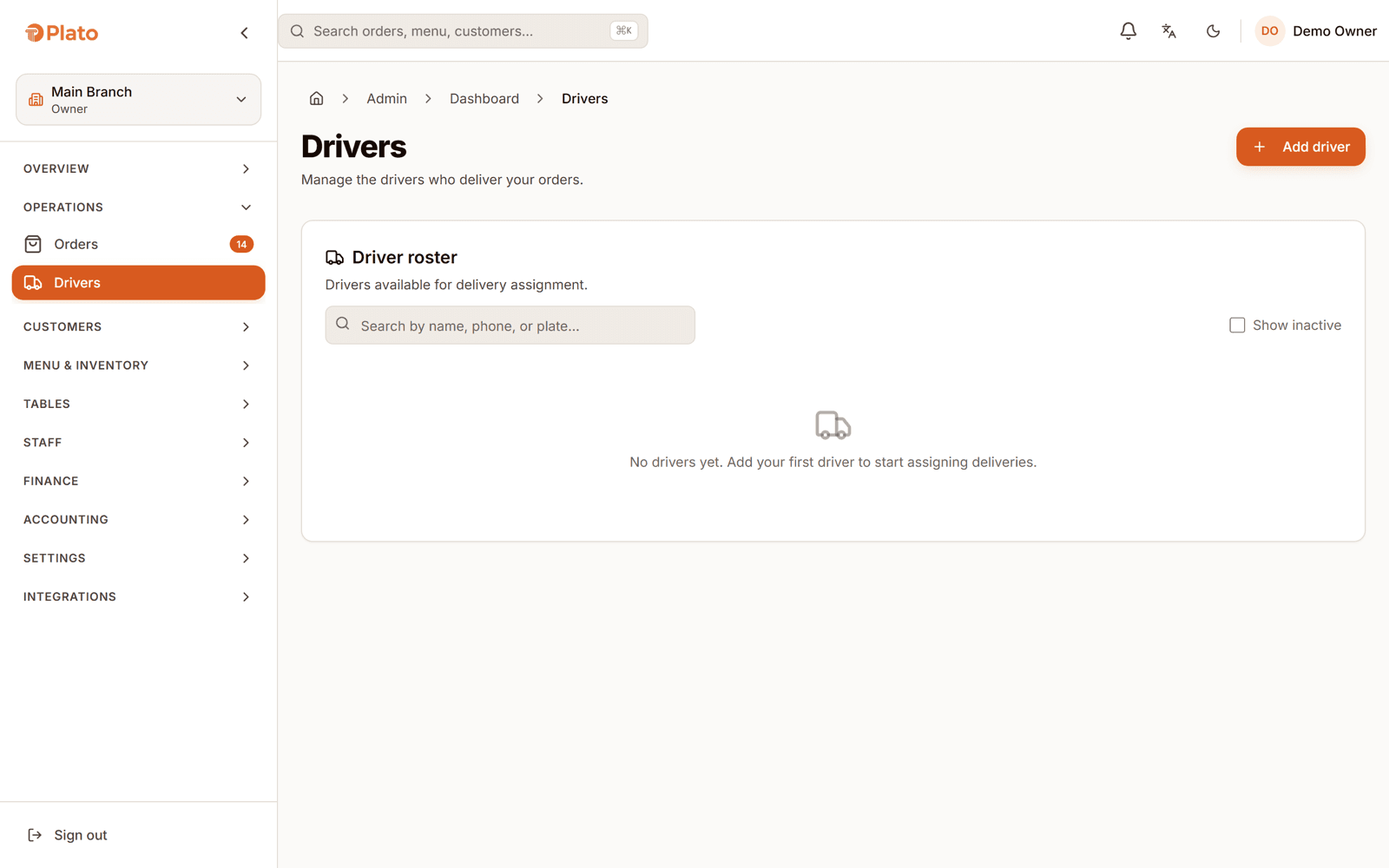
What delivery management covers
A delivery order in Plato carries a trip: which driver has it, which vehicle they are on, and where it has reached. Zones decide what you are willing to deliver to, drivers sign in on their own app, and the whole thing sits on the order rather than in a WhatsApp group.
From the door to the door
Own-fleet delivery goes wrong in the gaps: who took it, whether they accepted it, and whether anyone knows it arrived. Each of those is a field, not a phone call.
Zones are drawn by radius or as a polygon, so the area you serve matches the streets you can actually reach in time — not a circle that ignores the ring road.
A trip is assigned to a specific driver, who accepts it on their own app. Bicycle, motorcycle, car or on foot — the vehicle is on the record too.
Assigned, accepted, delivered — or cancelled, deliberately. Dispatch can see where an order is without ringing the rider mid-traffic.
Own-fleet orders come through your own channels, so the phone number, the history and the loyalty balance stay on your side of the transaction.
The trip belongs to the order, so dispatch is not a second spreadsheet.
Dispatch on the order
Assigning a driver creates a trip attached to that order, with the driver, their vehicle and the trip's current status. Advancing or cancelling the trip is an action on that record, so dispatch and the kitchen are reading the same thing.
Against the group chat
Own delivery usually starts on WhatsApp. It scales until two riders think the same order is theirs.
| Capability | Phone and group chat | Plato |
|---|---|---|
| Coverage | Roughly, by memory | Zones by radius or polygon |
| Assignment | Whoever answers | A trip assigned to one driver |
| Acceptance | Assumed | The driver accepts on their app |
| Status | Call and ask | Assigned, accepted, delivered |
| Vehicle | Whatever showed up | Recorded on the trip |
| Guest data | Lost with the aggregator | On your own guest record |
Fitted to how you deliver
Your riders, your zones, your margin. Every order in transit has a named driver and a status.
Aggregator orders arrive as their own channel while your own riders handle the direct ones you would rather keep.
Zones are set per branch, so each location delivers to the streets it can actually serve from its own kitchen.
Getting deliveries out
You already have the riders. What changes is that the trip stops living in someone's phone.
Set the areas the branch delivers to, by radius or by drawing the polygon that matches the streets.
Create the riders and their vehicles, and give them access to the driver app.
Assign a delivery order to a driver, who accepts it on their own device.
Advance the trip as it moves and close it when the food arrives.
Delivery questions
Delivery zones are defined per branch, either as a radius or as a drawn polygon, so coverage matches what your riders can actually reach rather than a circle on a map.
Dispatch assigns the delivery to a specific driver, and the driver accepts it on their own app. The assignment and the acceptance are both recorded on the trip.
The trip carries its status as it moves through assigned, accepted and delivered, so dispatch can see the state of every order in transit without calling anyone.
Yes. A driver's vehicle — bicycle, motorcycle, car or on foot — is part of the record, which matters when you are deciding who takes a far order in traffic.
It lets you run direct delivery on your own fleet, where the margin and the guest record stay with you. Aggregator orders can still arrive as their own channel alongside it.
Yes. A branch can pause its delivery channel and resume it later, so one location closing early does not take the group's delivery offline.
See it on your own routes
Book a walkthrough with your real delivery area, your rider count and the orders you would rather not give away.
Send us a few details. We'll set up a live walkthrough on your real menu, in your language, within one business day.